

一、前言
当你做的产品内存不稳定,CPU不稳定,内存在600MB-3G之内波动,cpu 在30%左右,就算你对外宣传支持可以十万设备,也不会有人相信,如果你做的产品直播推流内存一直稳定在60MB左右,cpu 在1%左右,我说带宽足够,支持1万人在线观看,客户对于这个产品也不会有所怀疑,通过一个月的努力我终于找出dotnetty 内存泄漏的问题所在,已经进行修复,以下是我现在运行的物联网平台,内存最少的是网关,有十几个协议主机运行,内存多的是业务服务并没有更新修复的dotnetty, 下面我要阐述问题所在
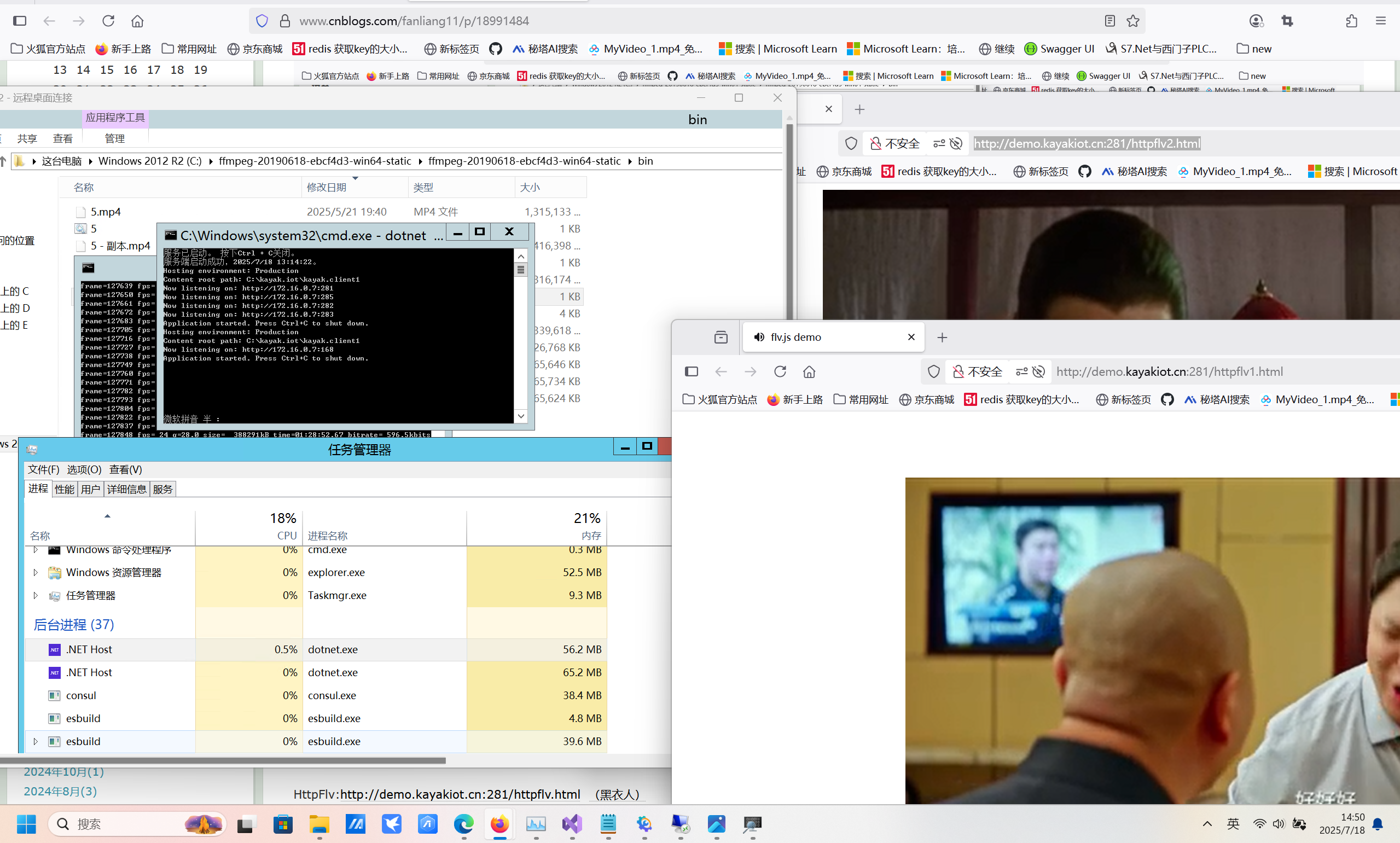
HttpFlv:http://demo.kayakiot.cn:281/httpflv.html (黑衣人)
HttpFlv:http://demo.kayakiot.cn:281/httpflv1.html (大红包)
HttpFlv:http://demo.kayakiot.cn:281/httpflv2.html (鹿鼎记)
rtmp:rtmp://demo.kayakiot.cn:76/live1/livestream2 (黑衣人)
rtmp:rtmp://demo.kayakiot.cn:76/live1/livestream3 (大红包)
rtmp:rtmp://demo.kayakiot.cn:76/live1/livestream4(鹿鼎记)
注:测试服务器带宽只有8MB, httpflv 缓冲做的没有rtmp好,然后httpflv卡就多刷新几次
凯亚 (Kayak) 是什么?
凯亚(Kayak)是基于.NET8.0软件环境下的surging微服务引擎进行开发的, 平台包含了微服务和物联网平台。支持异步和响应式编程开发,功能包含了物模型,设备,产品,网络组件的统一管理和微服务平台下的注册中心,服务路由,模块,中间服务等管理。还有多协议适配(TCP,MQTT,UDP,CoAP,HTTP,Grpc,websocket,rtmp,httpflv,webservice,等),通过灵活多样的配置适配能够接入不同厂家不同协议等设备。并且通过设备告警,消息通知,数据可视化等功能。能够让你能快速建立起微服务物联网平台系统。
凯亚物联网平台:http://demo.kayakiot.cn:3100(用户名:fanly 密码:123456)
链路跟踪Skywalking V8:http://117.72.121.2:8080/
dotnetty:https://github.com/microsurging/DotNetty
surging 微服务引擎开源地址:https://github.com/fanliang11/surging(后面surging 会移动到microsurging进行维护)
二、dump分析
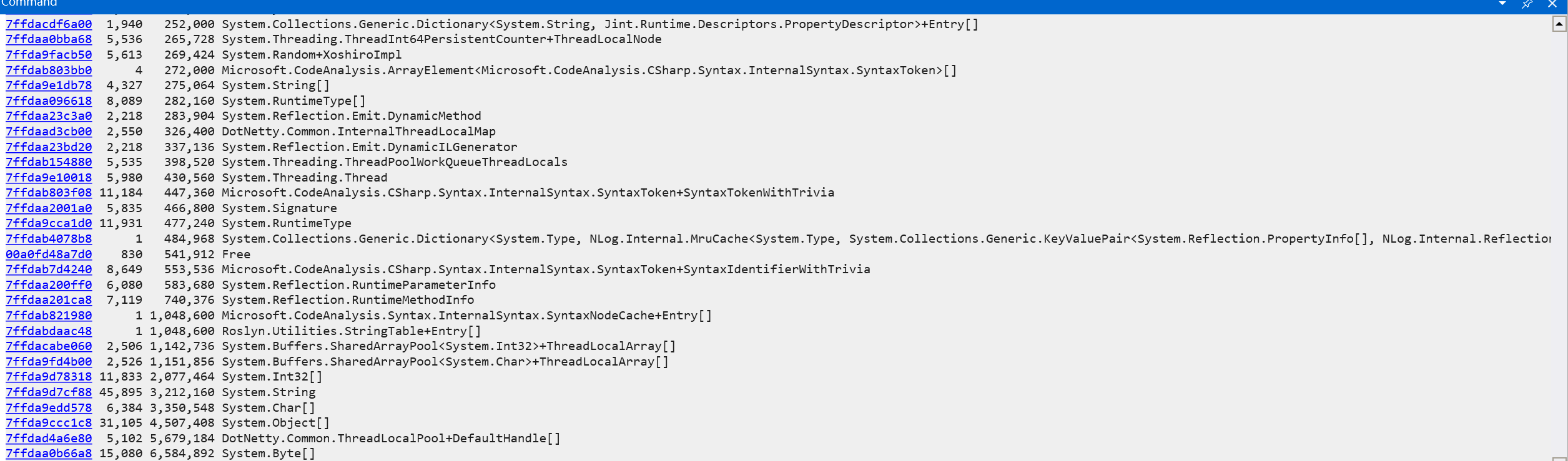
物联网平台 1天会增长90mb内存,这些是我不能接受的,因为并没有并发访问,然后我下载dump 文件进行分析,然后用windbg分析,没有大对象的占用
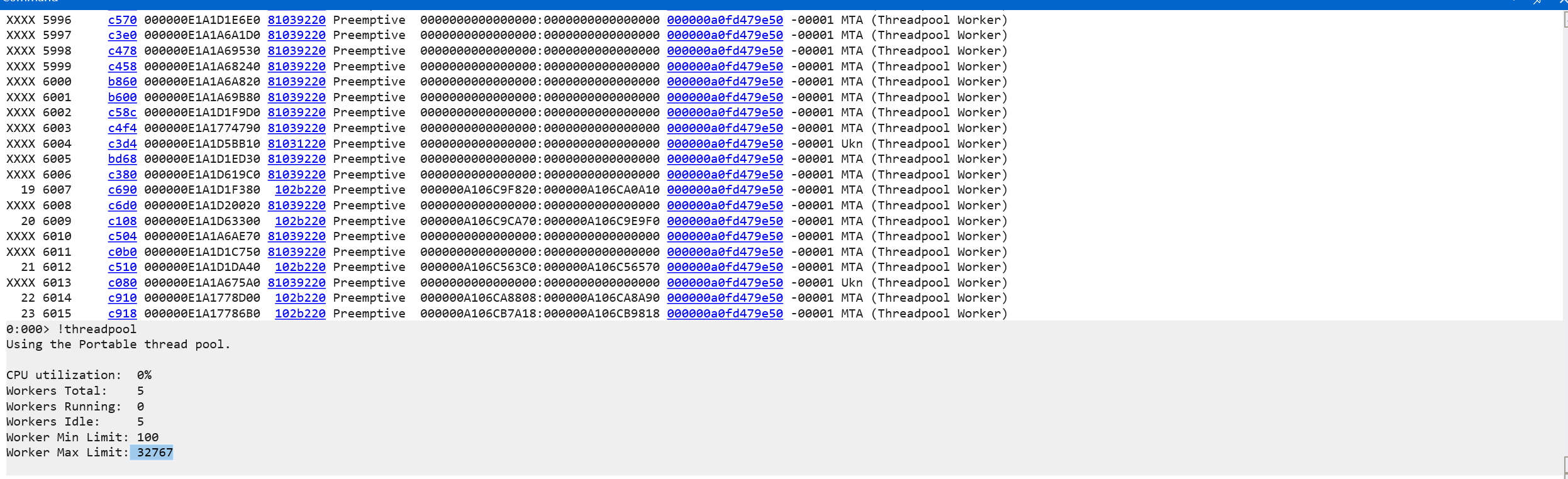
以上没有问题,那就是线程阻塞了,输入!threads 进行分析,这么多空闲的线程(MTA),都把线程池资源耗光了,当超过最大值32767就崩溃死掉了
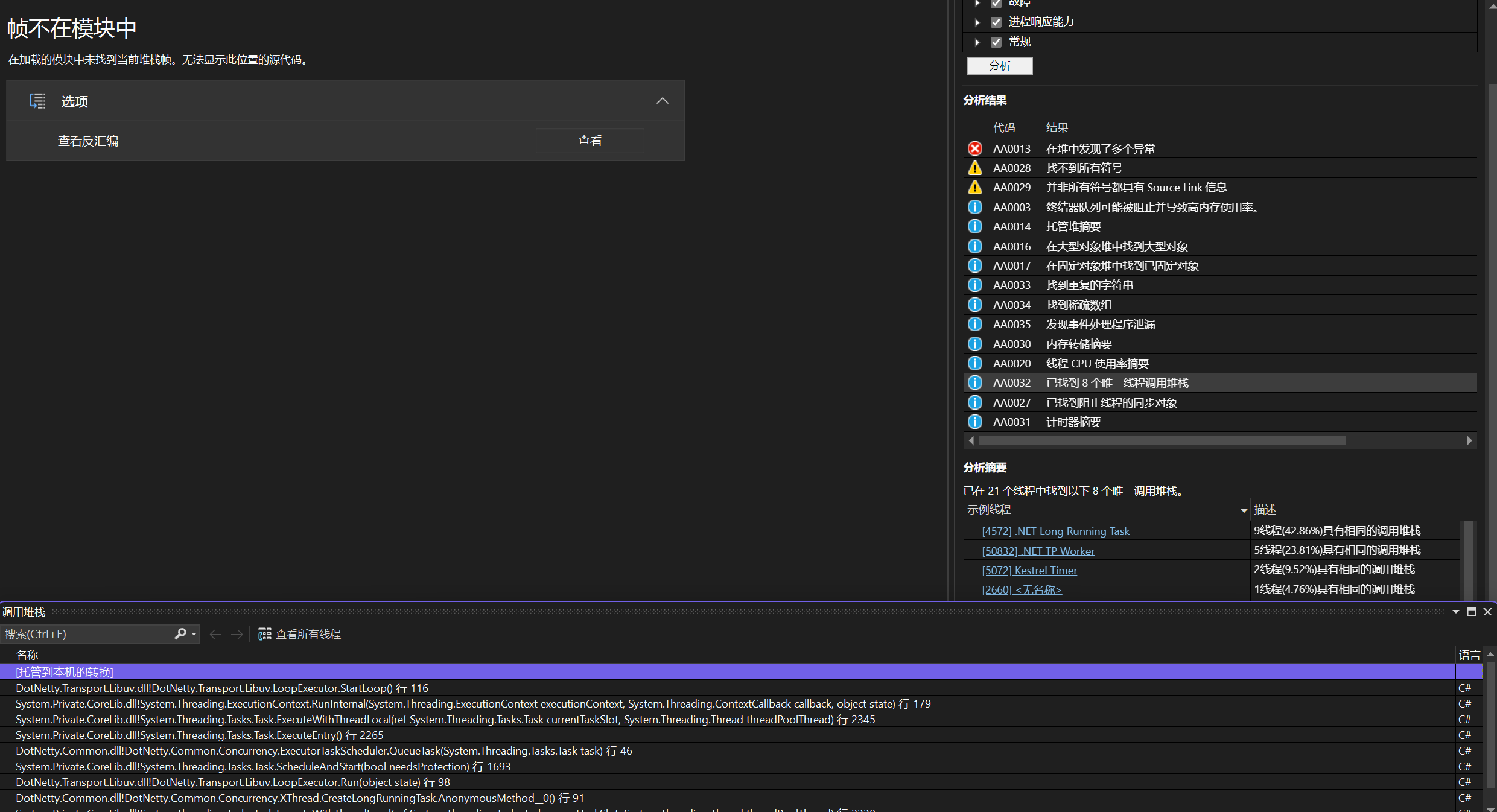
然后再用VS可视化界面看到底有哪些线程运行,发现是dotnetty占用资源最多。那么下面来找出代码的问题
三、代码修改
dotnetty 创建线程无非就是EventExecutor,所以就把代码定位到SingleThreadEventExecutor 和LoopExecutor 类中,然后你会发现 Task.Factory.StartNew ,这个就是问题的关键了。
SingleThreadEventExecutor:
private void Loop(object s) { SetCurrentExecutor(this); //high CPU consumption tasks, running RunAllTasks in a dead loop, set TaskCreationOptions.LongRunning to avoid running out of thread pool resources. _ = Task.Factory.StartNew( _loopCoreAciton,CancellationToken.None, TaskCreationOptions.None, _taskScheduler); //Loop processing is too fast and generates a large number of loopCoreAciton task schedulers. //Using ManualResetEventSlim to process it is too late to wait, Using threadLock, LoopCore task schedulers will be released after execution }
LoopExecutor:
private static void Run(object state) { var loopExecutor = (LoopExecutor)state; loopExecutor.SetCurrentExecutor(loopExecutor); //High CPU consumption tasks, run libuv's UV_RUN_DEFAULT mode in a loop, and set TaskCreationOptions. LongRunning can prevent thread pool resource depletion. . _ = Task.Factory.StartNew( executor => ((LoopExecutor)executor).StartLoop(), state, CancellationToken.None, TaskCreationOptions.AttachedToParent,// TaskCreationOptions.RunContinuationsAsynchronously? loopExecutor.Scheduler); }
然后我试试改成TaskCreationOptions.LongRunning ,然后没有用,然后再把问题定位到任务调度_taskScheduler上,发现_executor.Execute(new TaskQueueNode(this, _tasks.Take()))这段代码就是导致内存的原因,因为线程池会分配一个线程去执行,如果任务执行时间比较长,就会导致一直占用线程池线程得不到释放,所以后面我就进行修改创建新的线程进行执行,代码如下:
internal class AloneExecutorTaskScheduler : TaskScheduler { private readonly IEventExecutor _executor; private bool _started; private readonly BlockingCollection<Task> _tasks = new(); private readonly Thread[] _threads; protected override IEnumerable<Task>? GetScheduledTasks() => _tasks; [MethodImpl(MethodImplOptions.AggressiveInlining)] protected override void QueueTask(Task task) { if (_started) { _tasks.Add(task); } else { // hack: enables this executor to be seen as default on Executor's worker thread. // This is a special case for SingleThreadEventExecutor.Loop initiated task. _started = true; _ = TryExecuteTask(task); } } protected override bool TryExecuteTaskInline(Task task, bool taskWasPreviouslyQueued) => false; public AloneExecutorTaskScheduler(IEventExecutor executor,int threadCount) { _executor = executor; _threads = new Thread[threadCount]; for (int index = 0; index < threadCount; index++) { _threads[index] = new Thread(_ => { while (true) { _executor.Execute(new TaskQueueNode(this, _tasks.Take())); } }); } Array.ForEach(_threads, it => it.Start()); } sealed class TaskQueueNode : IRunnable { readonly AloneExecutorTaskScheduler _scheduler; readonly Task _task; public TaskQueueNode(AloneExecutorTaskScheduler scheduler, Task task) { _scheduler = scheduler; _task = task; } [MethodImpl(MethodImplOptions.AggressiveInlining)] public void Run() => _scheduler.TryExecuteTask(_task); } }
三、总结
dotnetty 最大的问题已经修复,我将会发布到nuget, 将由我发布dotnetty 1.0版本



